Automation
How to solve CAPTCHAs in Puppeteer
CaptchaSonic Team
Automation & Web Scraping
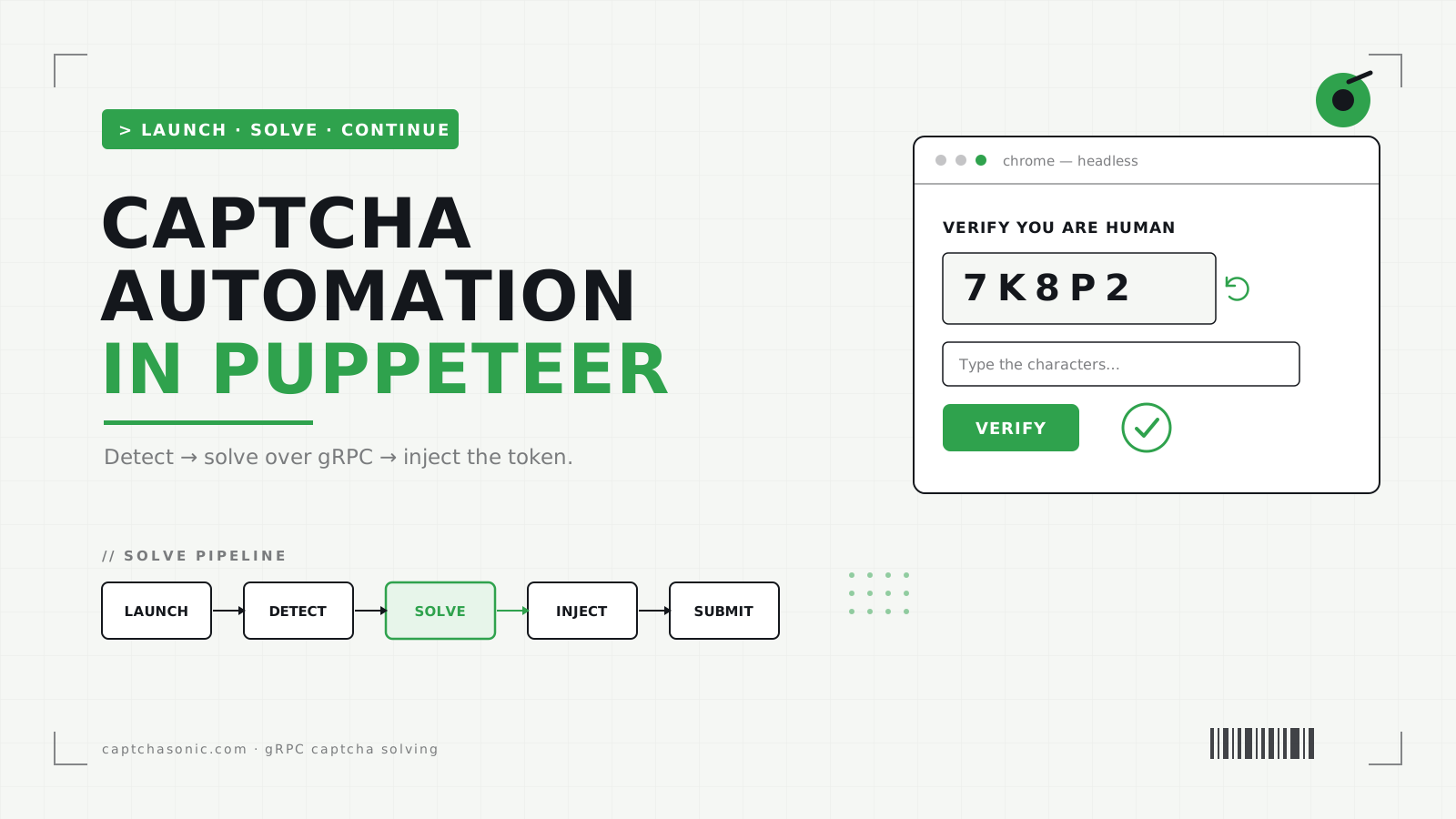
Puppeteer drives headless Chrome beautifully — right up until a reCAPTCHA or Cloudflare Turnstile challenge appears and your run stalls. This guide walks through a production-grade integration: detect the challenge, solve it with CaptchaSonic over gRPC, inject the token, and continue — plus the mistakes that quietly break scrapers at scale.
TL;DR
- Install
captchasonicalongsidepuppeteerand setCAPTCHASONIC_API_KEY. - Read the sitekey from the page, call
client.solveRecaptchaV2Token(...), and inject the returnedgRecaptchaResponseinto#g-recaptcha-response. - Solve late (tokens expire in ~120 s), read sitekeys at runtime, and route solves through a proxy when the target ties the token to the solving IP.
- The same client handles Turnstile, GeeTest, AWS WAF, and image captchas — swap the method.
Why CAPTCHAs are hard in Puppeteer
Puppeteer can click and type, but it can't reason about an image grid or produce a valid reCAPTCHA token. Those tokens are minted by Google/Cloudflare after a challenge their anti-bot model accepts — you can't forge one locally. So the reliable pattern isn't "click the tiles faster," it's: hand the challenge to a solving service, get a real token back, and place that token where the page expects it. CaptchaSonic does the solve server-side over a native gRPC connection and streams the token back the moment it's ready, so there's no HTTP poll gap.
What you need before starting
- Node.js 18+ and Puppeteer installed.
- A CaptchaSonic API key with credits (get one, then add funds).
- The target's sitekey (the
data-sitekeyattribute on the captcha element) and page URL.
npm install captchasonic puppeteer
export CAPTCHASONIC_API_KEY=sonic_your_key_here   # dashboard → API Keys
Step 1 — Launch Puppeteer and reach the challenge
What to do
Launch Chrome, navigate to the page, and wait until the captcha element is actually in the DOM before you read anything off it.
import puppeteer from 'puppeteer';
import { CaptchaSonic } from 'captchasonic';

const client = new CaptchaSonic(process.env.CAPTCHASONIC_API_KEY);

const browser = await puppeteer.launch({ headless: true, args: ['--no-sandbox'] });
const page = await browser.newPage();
await page.goto('https://example.com/login', { waitUntil: 'networkidle2' });

// Wait for the captcha to render, then read the sitekey from the live DOM.
await page.waitForSelector('[data-sitekey]', { timeout: 15_000 });
const sitekey = await page.$eval('[data-sitekey]', (el) => el.getAttribute('data-sitekey'));
Why this matters
reCAPTCHA and Turnstile load asynchronously. If you read data-sitekey before the widget
mounts, you get null and the solve fails with a confusing "invalid sitekey" error. Waiting on
the selector makes the step deterministic across slow networks and cold page loads.
Common mistakes to avoid
- Hard-coding the sitekey. It changes between staging and production — read it at runtime.
- Forgetting
--no-sandbox. Required in most Docker/CI images or Chrome won't start. - Using
networkidle0on chatty pages. Analytics/websocket traffic can keep the page from ever reaching "0 connections" —networkidle2is the safer wait condition.
Step 2 — Solve the CAPTCHA with CaptchaSonic
What to do
Send the sitekey and page URL to CaptchaSonic. One typed call blocks until a token is ready — the SDK handles polling, retries, and error mapping internally.
const result = await client.solveRecaptchaV2Token({
  websiteURL: page.url(),
  websiteKey: sitekey,
});
const token = result.solution.gRecaptchaResponse;
Why this matters
The transport is gRPC by default, so the token is pushed to you the instant the solve completes rather than on your next poll interval — that shaves seconds off every solve and keeps long scraping runs fast. Because the SDK owns retry logic, transient network blips don't surface as failures in your automation code.
Common mistakes to avoid
- Solving too early. reCAPTCHA tokens live ~120 seconds. Call the solve right before you submit, not at the top of the script — otherwise it expires while you fill the form.
- Ignoring IP coherence. If the target validates that the token was solved from the same IP
that submits it, pass a
proxyso CaptchaSonic solves through your egress:client.solveRecaptchaV2Token({ websiteURL, websiteKey: sitekey, proxy: 'http://user:pass@host:port' }). - Swallowing errors. Catch
InsufficientBalanceError/ rate-limit errors explicitly so a drained balance doesn't look like a broken selector.
Step 3 — Inject the token and continue
What to do
Write the token into the hidden #g-recaptcha-response field (or invoke the site's callback),
then submit as normal.
await page.evaluate((t) => {
  const el = document.getElementById('g-recaptcha-response');
  if (el) el.innerHTML = t;
}, token);

await page.click('button[type="submit"]');
await page.waitForNavigation({ waitUntil: 'networkidle2' });
await browser.close();
Why this matters
The page's own submit handler reads g-recaptcha-response and treats it exactly as if a human
had solved the challenge — no special API on the target's side is required.
Common mistakes to avoid
- Callback-bound tokens. Many sites don't read the textarea directly; they fire a JS
callback declared as
data-callback="onCaptcha". In that case call it with the token insidepage.evaluate((t) => window.onCaptcha(t), token)instead of writing the field. - Not waiting for navigation. Submitting and closing the browser immediately can abort the request in flight — wait for navigation (or the post-login selector) first.
Handling other CAPTCHA types
The same client solves the rest — you only change the method:
- Cloudflare Turnstile —
client.solveTurnstileToken({ websiteURL, websiteKey }) - GeeTest, AWS WAF, and image/OCR captchas each have a dedicated method
See the full set and their return fields in the Node.js SDK reference and the Capability Matrix.
Scaling in production
- Concurrency. Reuse one
CaptchaSonicclient across many pages — the gRPC channel multiplexes solves, so you don't pay TLS setup per request. - Proxies. Route both the browser and the solve through the same proxy pool so token and submission IPs stay coherent.
- Retries and budgets. Treat a failed solve as retryable, but cap attempts and watch your balance — a solve that keeps failing usually means a stale sitekey or a blocked IP, not a transient error.
FAQ
Does this work with headful Chrome too? Yes — drop headless: true. The solve flow is
identical; only the launch options change.
Can I use puppeteer-extra stealth plugins alongside it? Yes. Stealth reduces how often
you're challenged; CaptchaSonic handles the challenges you still get.
What about invisible reCAPTCHA / v3? Both are supported. v3 returns a scored token you inject the same way — see the SDK reference for the exact method.
Next steps
- The step-by-step Puppeteer integration doc
- The ready-to-run puppeteer-solver example repo
- Create your first task to call the REST API directly